 To discover more about our products,
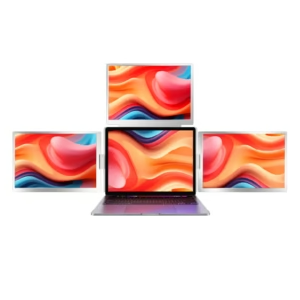
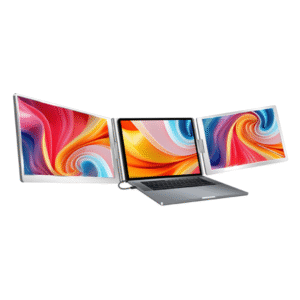
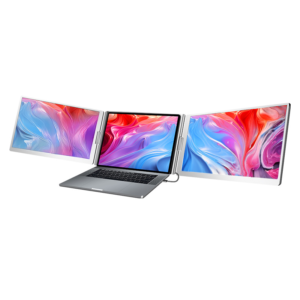
Trimonitör Dual 14": Triple Your Screen Count with a Single Cable!
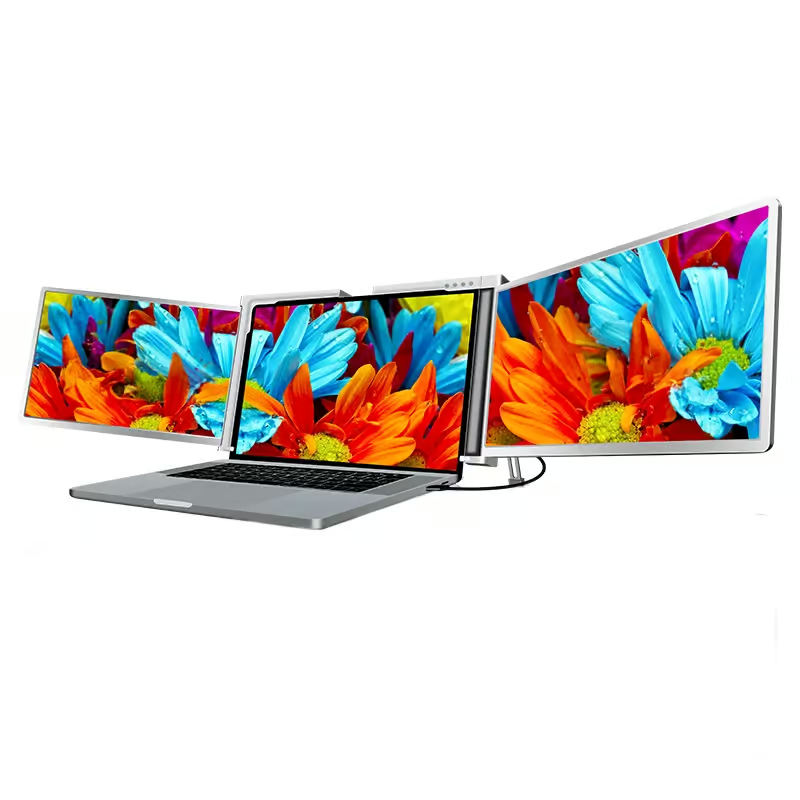
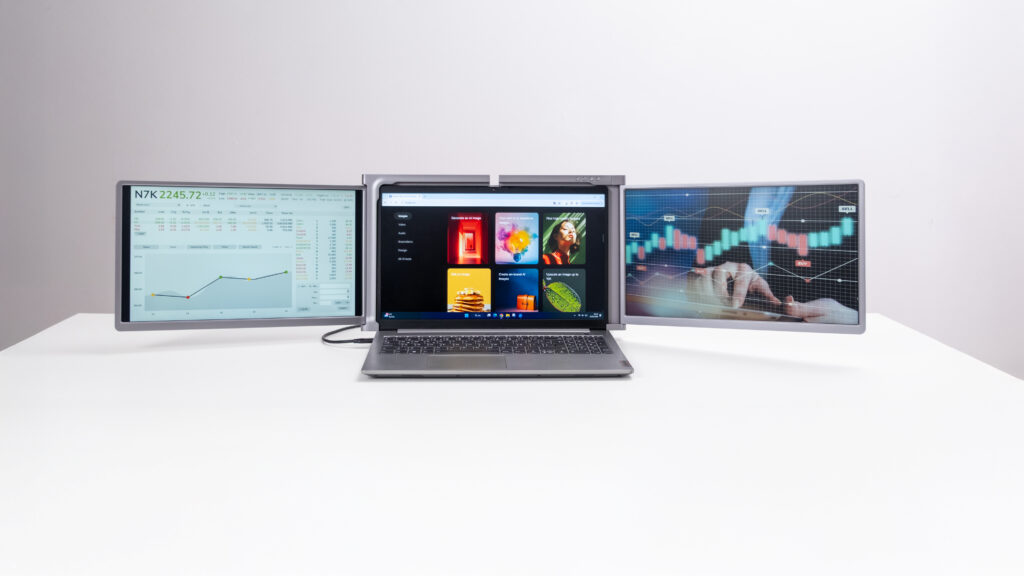
Enjoy the convenience of multiple screens wherever you go with the Trimonitör!
Why Trimonitör?
Your work, hobbies, or usage habits…
Whatever the reason, we know that some computer users struggle to fit their windows onto a single laptop screen.
That’s why we’re introducing a new solution for those who need multiple monitors!
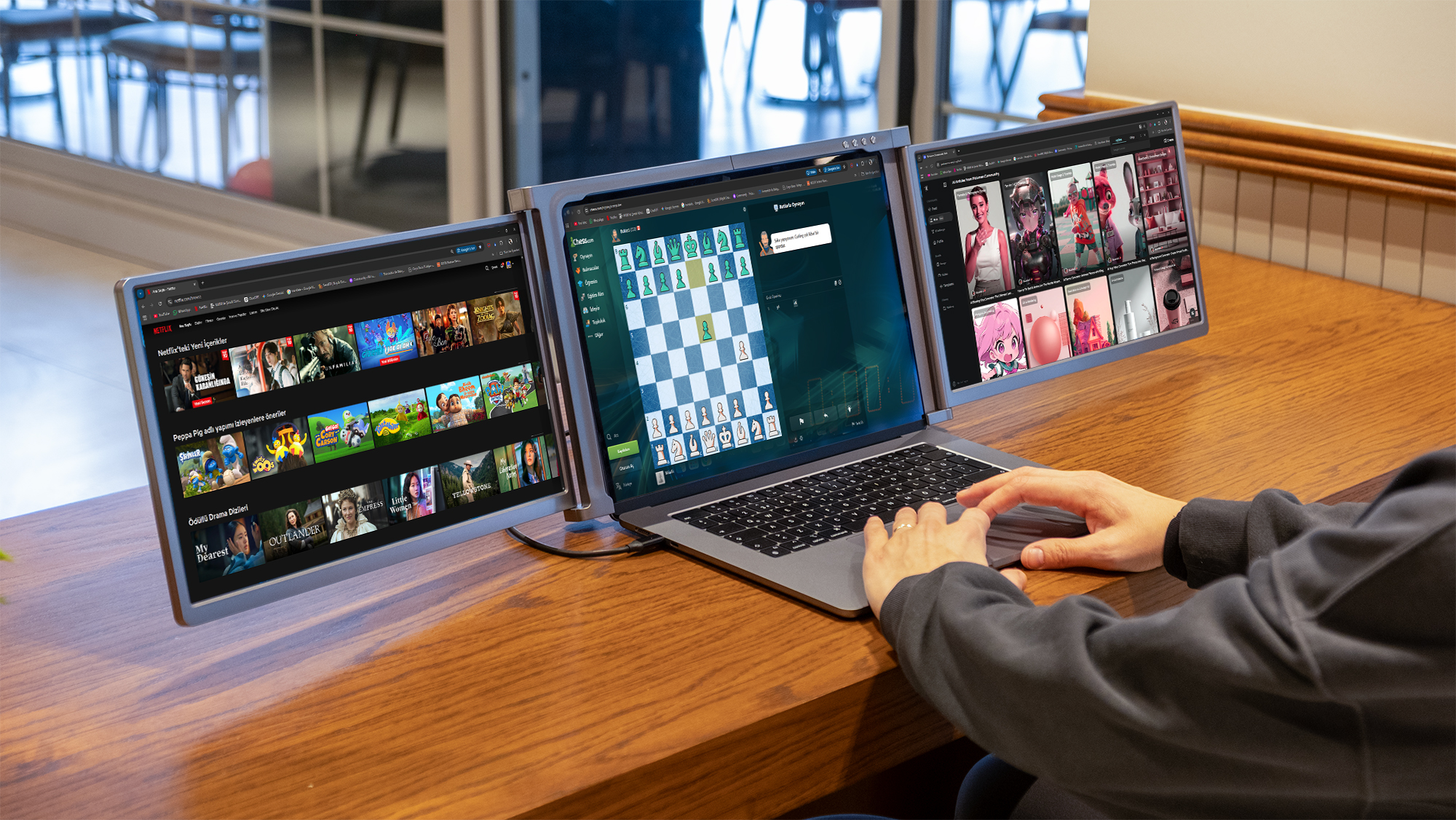
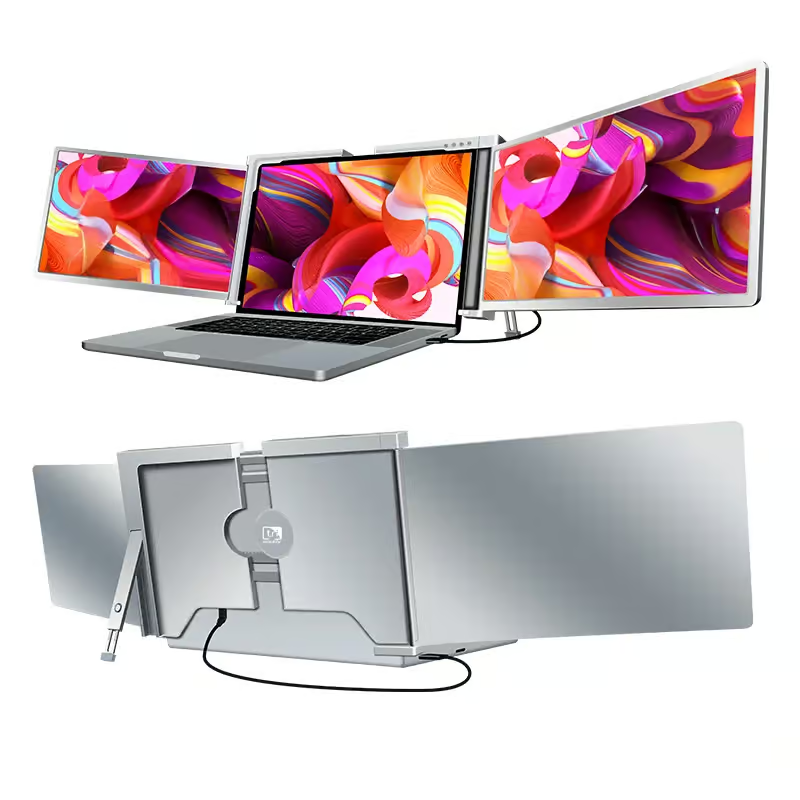
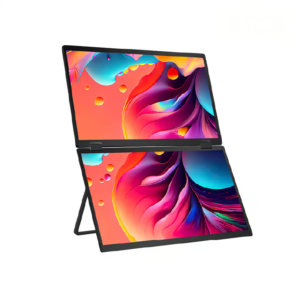
You can fold the Trimonitör Dual 14″ and take it anywhere with its special carrying case.
This way, you can enjoy the benefits of multi-screen use wherever you want.
You can connect the Trimonitör Dual 14″ to your computer with a single cable.
This way, you don’t have to deal with cable clutter. Plus, all the cables you might need are included in the box.
You can easily use Trimonitör on Windows and MacOS operating systems.
You can choose the Trimonitör that best suits your needs from our range of products with various sizes and features.
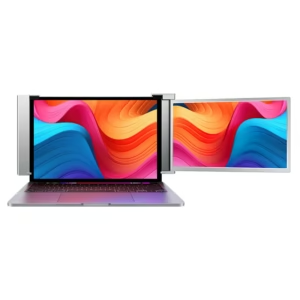
Both expandable and fixed panel Trimonitor models can adapt to computers of different sizes.*
*Please consider the dimensions compatible with the Trimonitör model you are interested in.
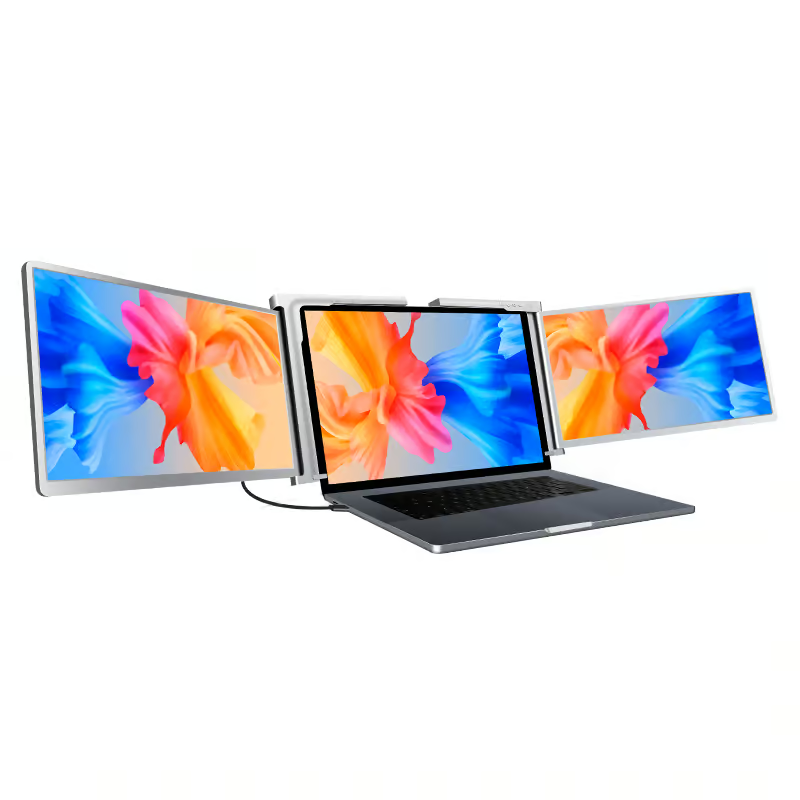
Upgrade Your Laptop to Three Screens!
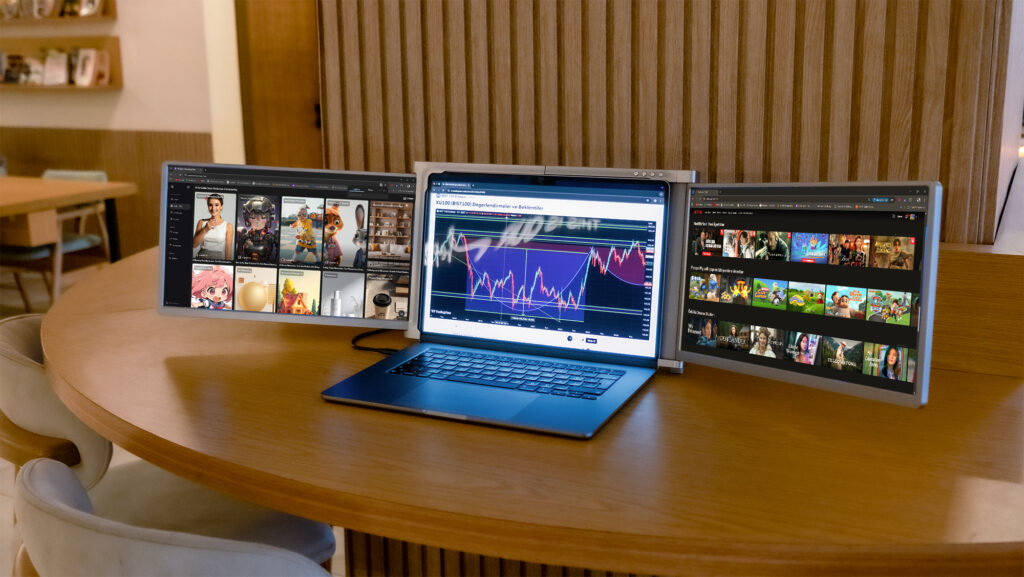
Product Features
FULL HD
Enjoy the colors with Full HD 1080P image quality.
14" Screen Size
Expand your perspective with 14" displays.
Size Compatibility
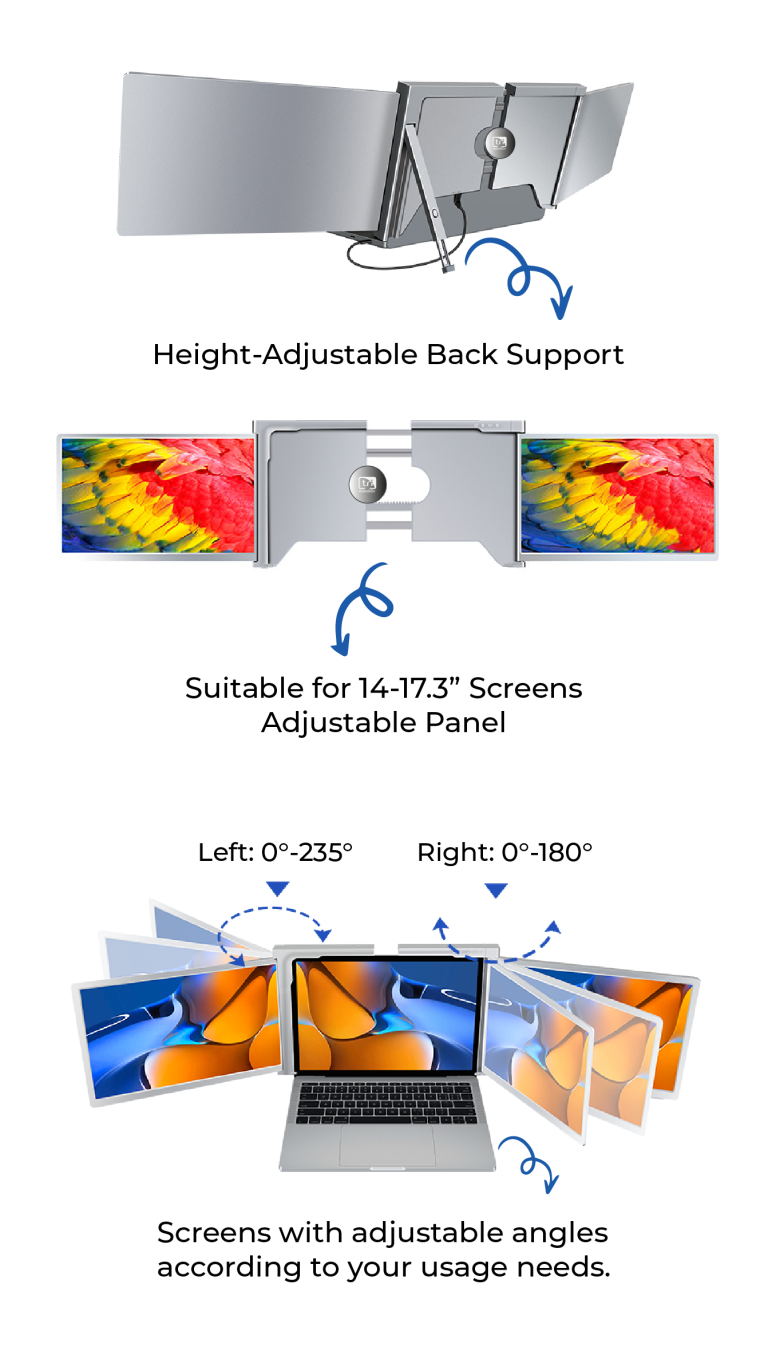
Compatible with all laptops with a screen size of 14-17.3"
Type-C
Easy connection with a cable that has Type-C connectors on both ends.
Compatible Operating Systems
You can use Trimonitör on Windows and macOS* operating systems.


*Requires pre-installation for use on the MacOS operating system, and the screen orientation may need to be adjusted each time it is used.
Easy Setup
You can easily install the Trimonitör on your computer.
If you have a Windows operating system and an internet connection, the driver will automatically install on your computer.
If you do not have an internet connection, you can install it using the driver included in the box.
Easier with Trimonitör!
View wide content that doesn’t fit on your computer screen comfortably with the Trimonitör Dual 14″.
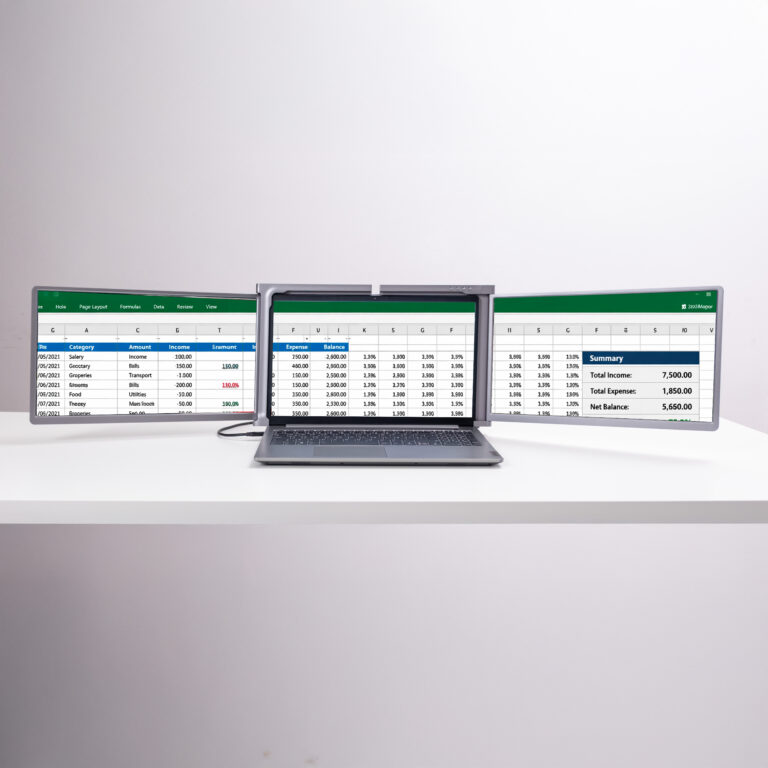
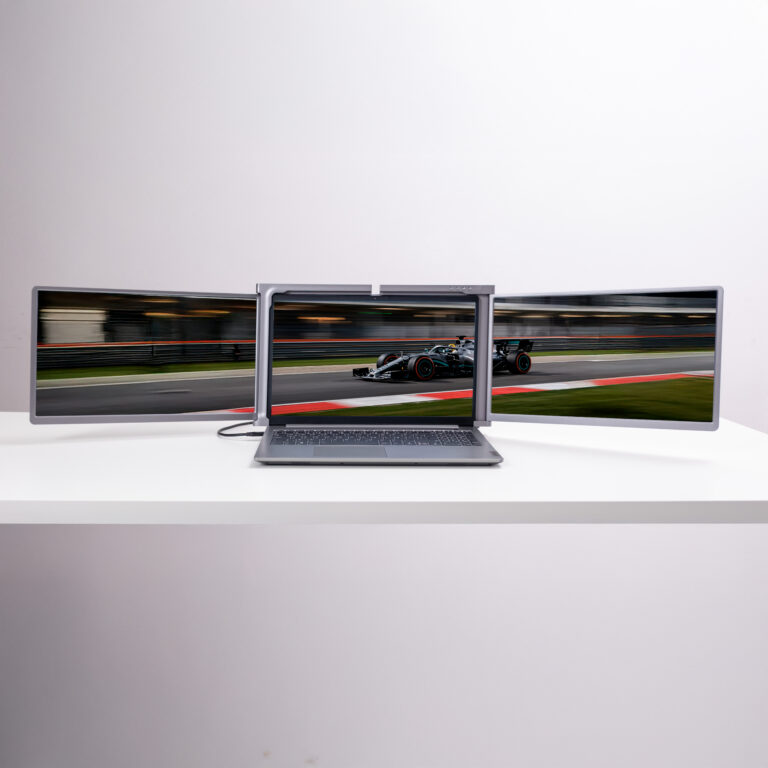
Instead of getting lost between tabs, use Trimonitör.
Enjoy viewing all your windows at once!
Ergonomic Design
Easy Connection at All Entrances
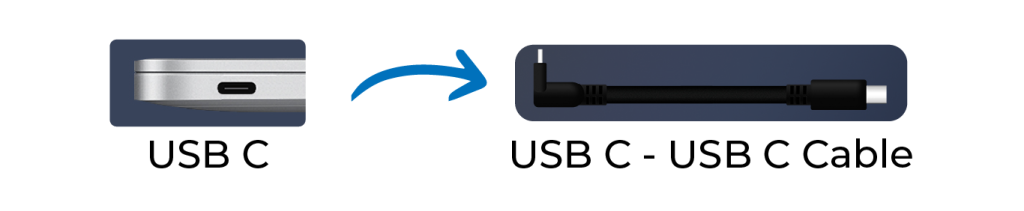
If your computer has a USB-C port, you can connect the Trimonitör to your computer with a single cable.
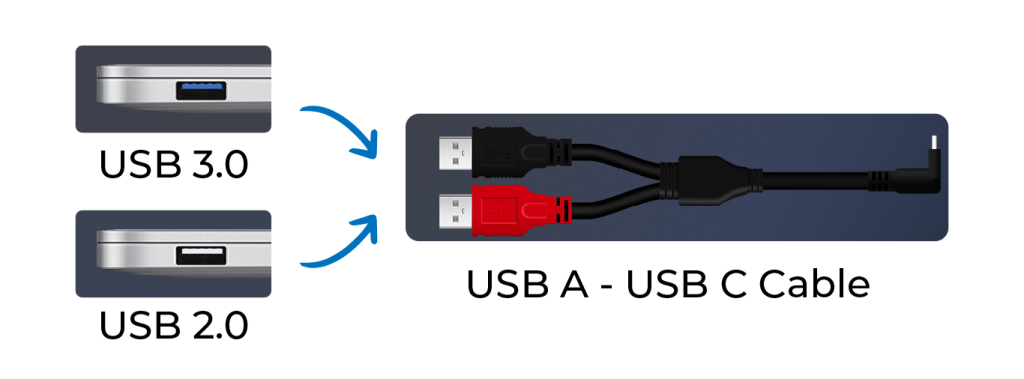
If your computer has USB-A ports, connect one end of the dual USB-A cable shown in the image to your computer for power and the other end for image transfer.
Then you can connect to the Trimonitör using the USB-C end.
(Cables are included in the box.)
Trimonitör Dual 14" Charging Option
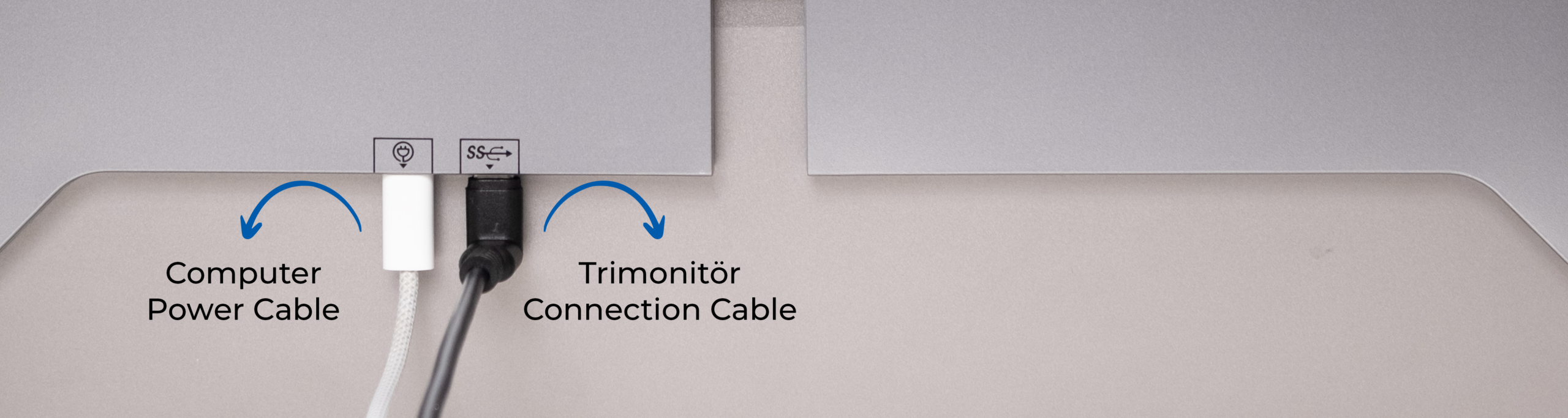
If your computer charges via Type-C, you can charge your computer by connecting the charging cable to Trimonitör.
When you charge your computer this way, the brightness of the Trimonitör screens will increase.
The adapter you use must have a power rating of 45W or higher.
Trimonitör Dual 14" Dimensions
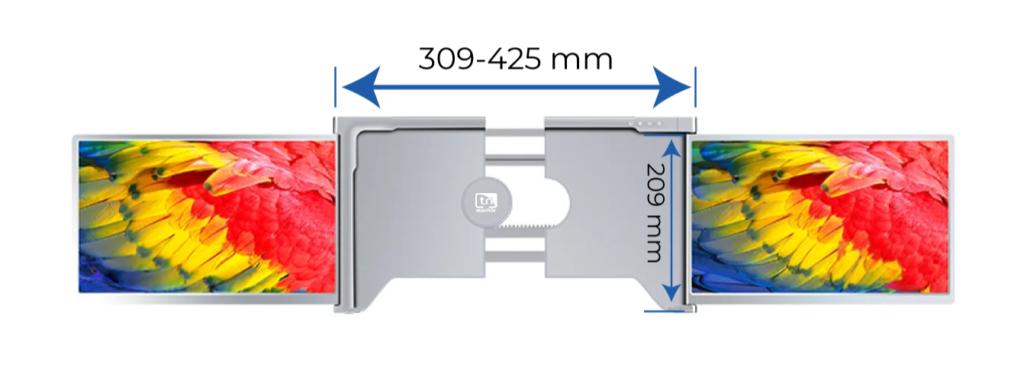
All our Trimonitör models have an extendable back panel.
The back panel of the Trimonitör Dual 14″ is suitable for use between a minimum of 309mm and a maximum of 425mm.
Its height is 209mm. If the height of your computer exceeds this value, it does not prevent usage.
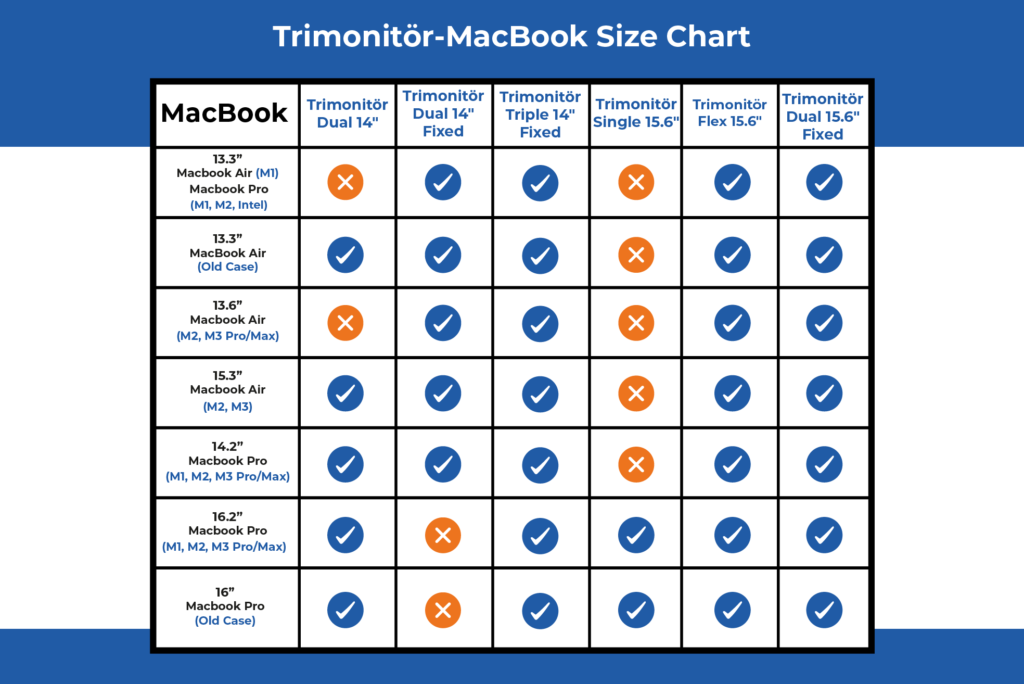
*Older Macbook Air computers can only connect via USB-A.
Due to the low connection speed of USB-A, you may experience lag in the image.
Box Contents
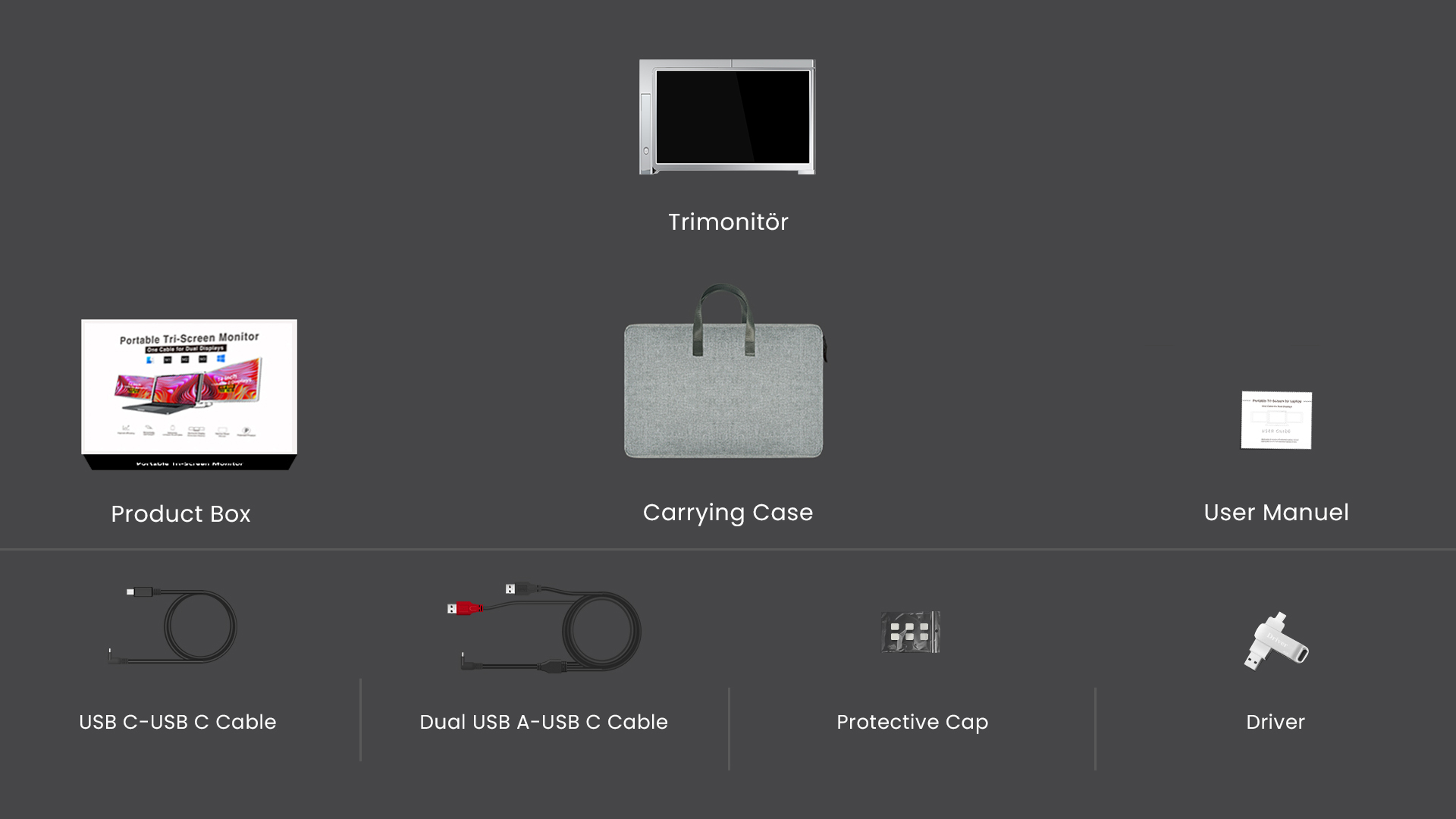
Trimonitör Dual 14"
Screen
- Screen Size: 14"
- Panel Type: IPS*
- Resolution: 1920*1080
- Screen Refresh Rate: 60Hz
- Response Time: 30ms
- Aspect Ratio: 16:9
- Backlight: W-LED
- Maximum Screen Brightness: 250 cd/m²
- Contrast: 1000:1
- Color Range: 45%
- Dot Pitch: 0.1611(H) x 0.1611(V)mm
- Viewing Angle: H:89º, V:89º(CR>10)
- *Light leakage is common in monitors with IPS screens.
Compatible Operating Systems
- macOS
- Windows
Compatible Computer Sizes
- 14"-17.3"
Interface
- Type C: 1920*1080@60Hz
- Type C-2: Available (Power Only)
Sound
- Speaker: None
Power
- Normal: ≤15W
- Standby Mode: ≤4W
- Input: DC 5V 3A
Dimensions and Weight
- Device Dimensions: 360*221*29mm
- Device Weight: Approximately 1.49 kg
- Package Dimensions: 430*221*29mm
- Package Weight: Approximately 3.13 kg
Environmental Conditions
- Temperature: 5°C - 40°C
- Humidity: 10% - 70%
Reviews
There are no reviews yet