What Is a Portable Monitor for Laptop? Who Should Use It?
A laptop screen is not always enough, especially when you work with multiple windows, documents, dashboards or applications at the same time. A portable monitor for laptop helps you expand your workspace without depending on a fixed desktop monitor setup.
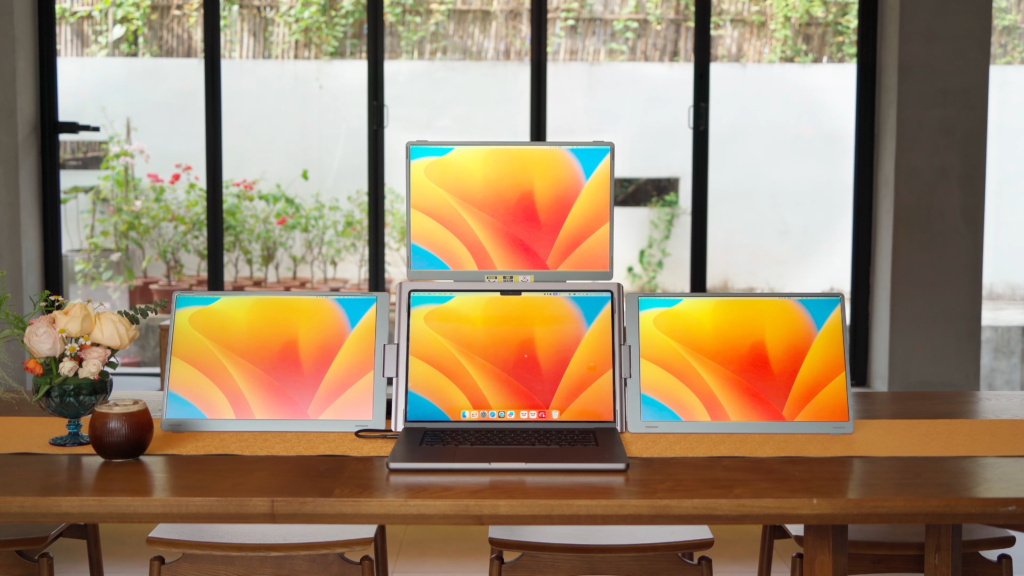
With a portable laptop monitor, you can add one or more extra screens to your laptop and work more comfortably at home, in the office, while travelling or in shared workspaces. It is a practical solution for users who want more screen space but still need a flexible and mobile setup.
Trimonitör offers single, dual, triple and fixed portable monitor solutions for different working styles. In this guide, we explain what a portable monitor for laptop does, who should use it and which Trimonitör model may be more suitable for your needs.
What Does a Portable Monitor for Laptop Do?
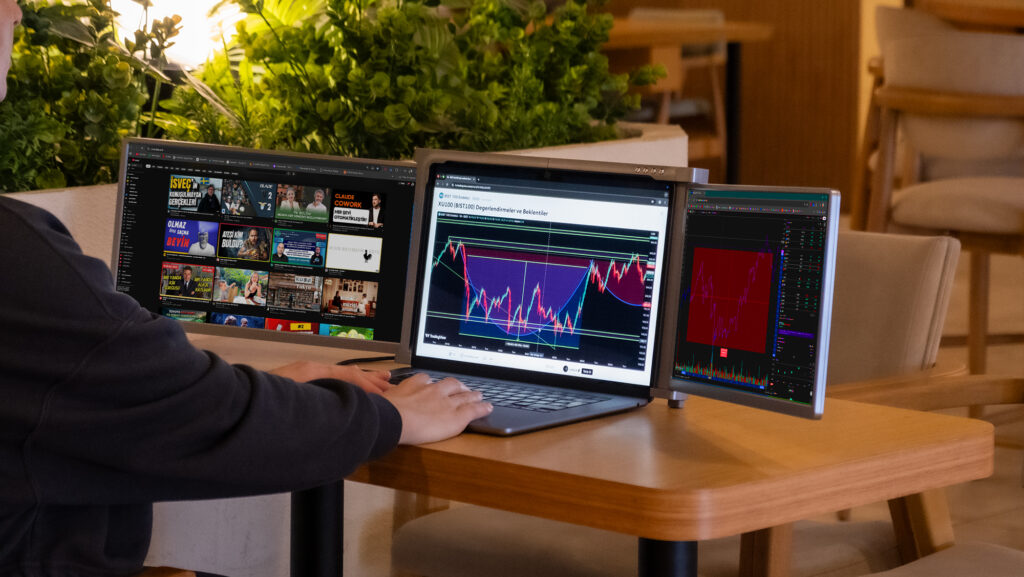
When you work on a single laptop screen, switching between tabs and applications can slow you down. You may need to check emails, compare documents, join a video call, follow a dashboard or work on a spreadsheet at the same time.
A portable monitor helps you separate these tasks across different screens. For example, you can keep your main work on the laptop display while using the extra screen for notes, research, video meetings, charts, messages or reference documents.
This makes your work area more organised and helps reduce constant window switching. A portable laptop monitor is especially useful when you want a more productive setup without using a large desktop monitor.
Portable monitors can help you:
- Give you more screen space for daily work.
- Compare documents, tables and web pages side by side.
- Make video meetings and note-taking easier.
- Support coding, trading, design, finance and operational workflows.
Build a flexible workspace wherever you are.
If you only need one extra screen, Single Trimonitör models may be enough. If you need a larger workspace, you can also explore Dual Trimonitör and Triple Trimonitör models.
Who Should Use a Portable Laptop Monitor?
A portable monitor for laptop is useful for anyone who works with more than one window during the day. It is especially suitable for people who work remotely, travel often or need a more efficient workspace without a permanent desk setup.
Remote and Hybrid Workers
Remote and hybrid workers often move between home, office, cafés, hotels and shared workspaces. A portable monitor allows them to create a more professional working area wherever they are.
Developers and Technical Teams
Developers often need to view code, documentation, terminals, previews and communication tools at the same time. A dual-screen or multi-screen laptop setup can make this workflow much easier.
Traders, Analysts and Finance Professionals
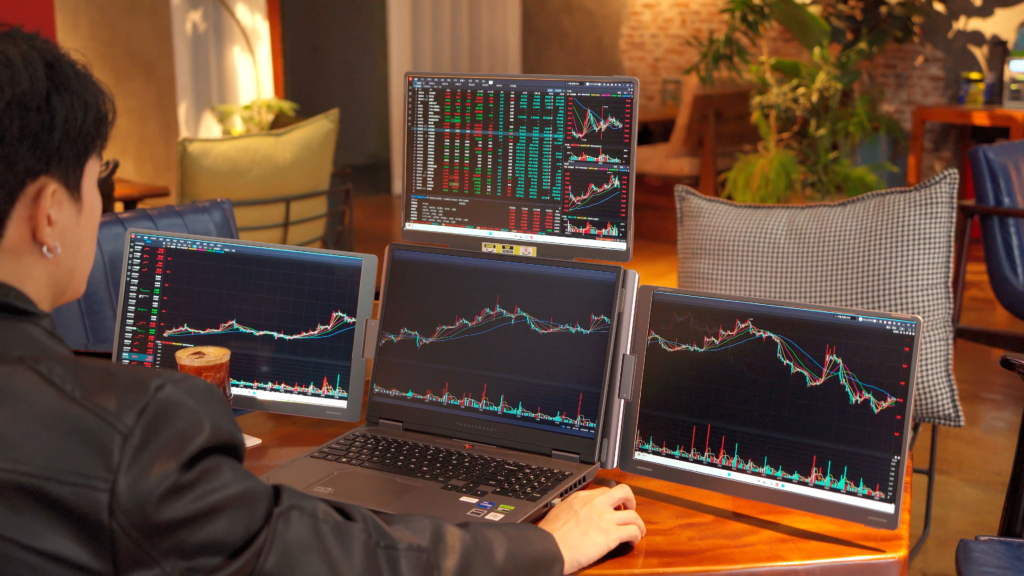
Charts, tables, market data, reports and dashboards are easier to follow when they are not squeezed into one small laptop screen. Users who need to monitor several data sources at once may benefit from dual or triple Trimonitör models.
Students and Researchers
Students can use an extra screen for lecture videos, PDFs, research sources and notes. For basic study needs, a portable second monitor can be a simple and effective solution.
Content Creators and Designers
Video editing, visual design, social media planning and creative workflows often require more screen space. A portable monitor can help keep the preview, timeline, tools and reference materials more organised.
E-Commerce and Operations Teams
People who manage orders, stock, customer messages, shipping tools and dashboards can work more efficiently with extra screen space. A multi-screen setup makes it easier to follow different systems at the same time.
Which Trimonitör Model Is Right for You?
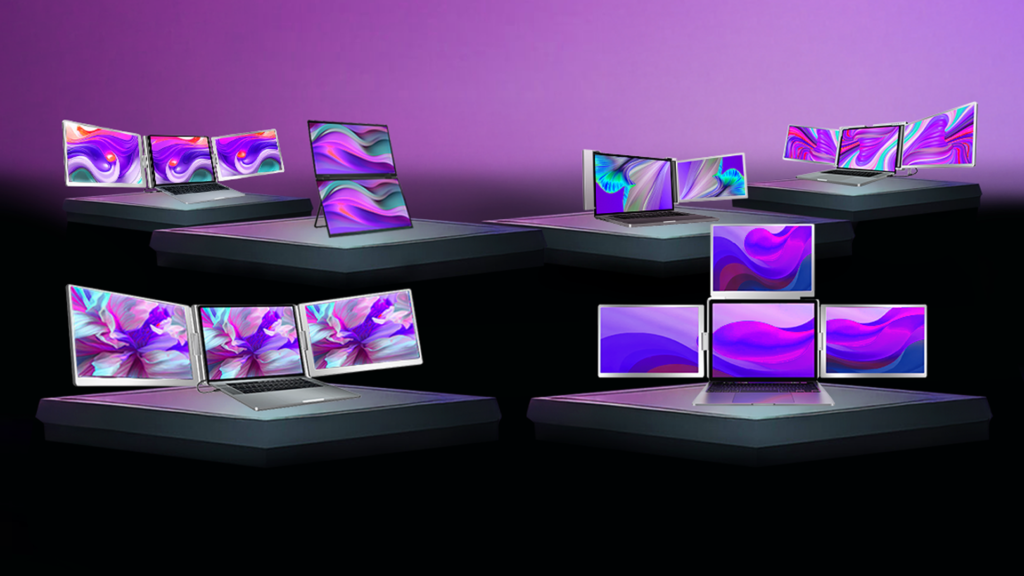
Choosing the right portable monitor depends on how many extra screens you need, how you work and how much space you want around your laptop. Trimonitör models are designed for different usage scenarios.
| Your Need | Recommended Model | Explore |
|---|---|---|
| I only want to add one extra screen to my laptop | Single Trimonitör | Single models |
| I want to create a 3-screen workspace with my laptop | Dual Trimonitör | Dual models |
| I need to follow more applications, charts or windows at once | Triple Trimonitör | Triple models |
| I want a stable setup that stands behind the laptop | Fixed Trimonitör | Fixed models |
What Should You Check Before Buying a Portable Monitor?
Before choosing a portable monitor for laptop, it is important to check your laptop size, connection ports and working style. Choosing the right model makes setup easier and helps you get the best experience from your extra screens.
1. Laptop Size
Some Trimonitör models are designed to be used with specific laptop sizes. Before purchasing, check your laptop screen size and body width. This is especially important for laptop-mounted models.
2. Connection Type
Many portable monitors use USB-C or HDMI connections. However, not every USB-C port supports video output. If you want to use USB-C, make sure your laptop’s Type-C port supports display output.
3. Number of Screens
If you need a simple second screen, a Single Trimonitör model may be enough. If you work with many applications at the same time, a Dual or Triple Trimonitör model may be more suitable.
4. Portability
If you often carry your setup between locations, weight, foldable design and carrying case support become important. If you mainly work at a desk, screen size and stability may be more important.
5. Fixed or Laptop-Mounted Design
Some models are mounted to the laptop frame, while Fixed Trimonitör models are positioned behind the laptop with their own stand support. Fixed models can be a good option for users who want a stable desk setup without attaching the screens directly to the laptop.
If you are not sure which model fits your laptop, you can check the measurement guide or contact our support team before ordering.
Expand Your Laptop Workspace with Trimonitör
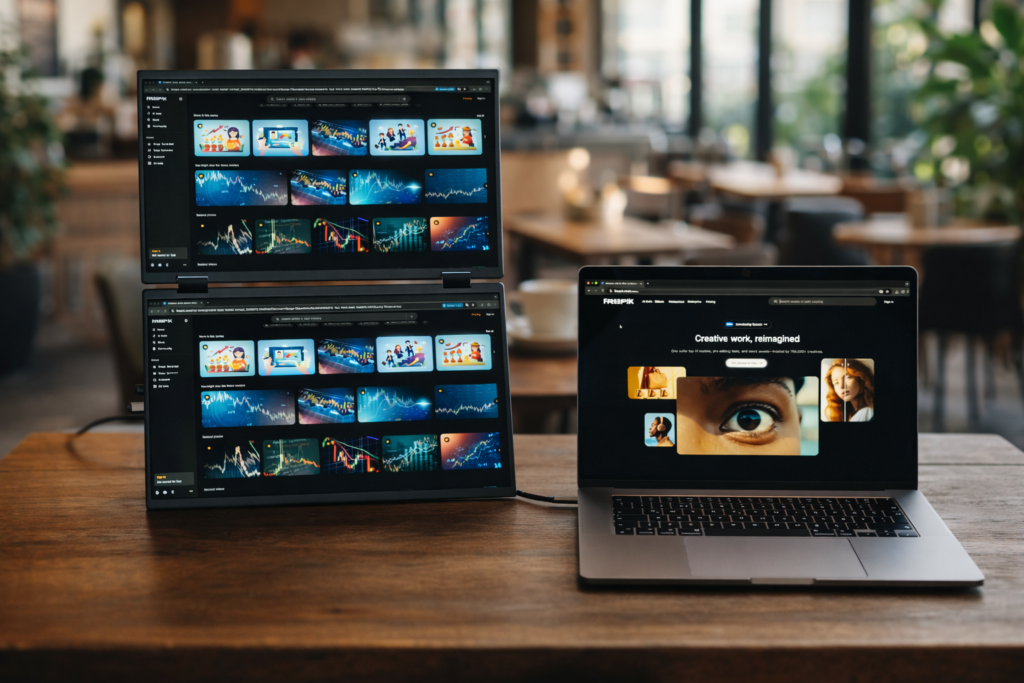
If your laptop screen feels too small and you want to manage your work more comfortably, Trimonitör portable monitor solutions can help you build a more flexible workspace.
For a simple second screen, you can choose Single Trimonitör. For a 3-screen laptop workspace, you can explore Dual Trimonitör. For a larger 4-screen setup, Triple Trimonitör may be the better choice.
Frequently Asked Questions
What is a portable monitor for laptop?
A portable monitor for laptop is an external screen that adds extra display space to your laptop. It helps you work with more windows, documents and applications at the same time.
Who should use a portable laptop monitor?
Portable laptop monitors are useful for remote workers, developers, students, content creators, finance professionals, traders and anyone who needs more screen space than a single laptop display.
What do I need to connect a portable monitor to my laptop?
You usually need a USB-C or HDMI connection. If you want to use USB-C, check whether your laptop’s Type-C port supports video output.
Should I choose Single Trimonitör or Dual Trimonitör?
If you only need one extra screen, Single Trimonitör may be enough. If you want a 3-screen workspace with your laptop display, Dual Trimonitör may be more suitable.
Who should choose a Triple Trimonitör model?
Triple Trimonitör models are suitable for users who need a larger 4-screen workspace. They are especially useful for traders, analysts, developers and professionals who follow several windows or dashboards at the same time.
Is every laptop compatible with portable monitors?
Compatibility depends on your laptop size, connection ports and display output support. You can check the Measurement Guide or contact our support team before ordering.