What Is a Dual Portable Monitor? Using Dual Screens on a Laptop
A laptop is practical, compact and easy to carry. However, when you need to work with several windows at the same time, a single laptop screen may quickly become limiting. Emails, spreadsheets, video meetings, dashboards, design previews and browser tabs can all compete for the same small space.
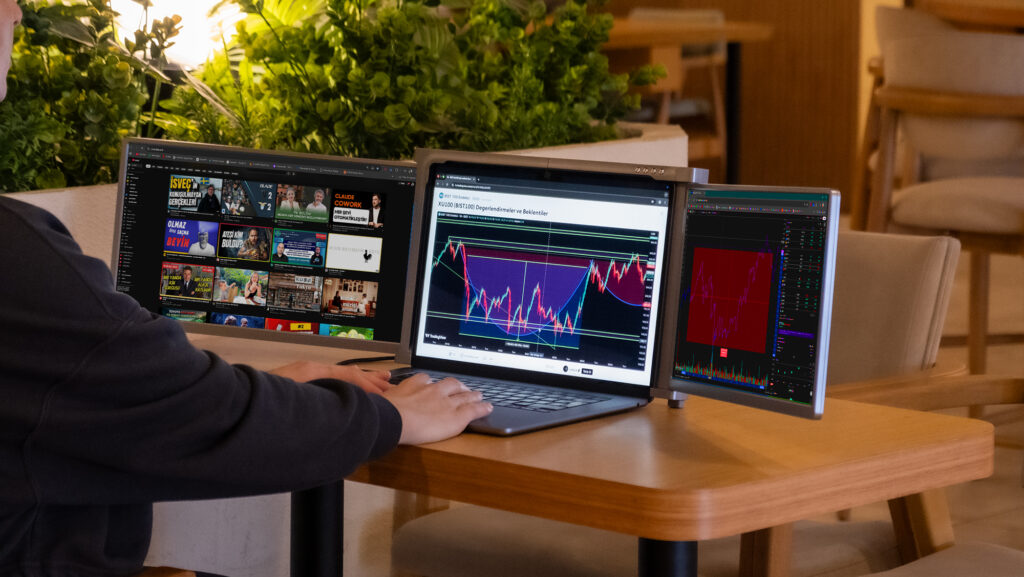
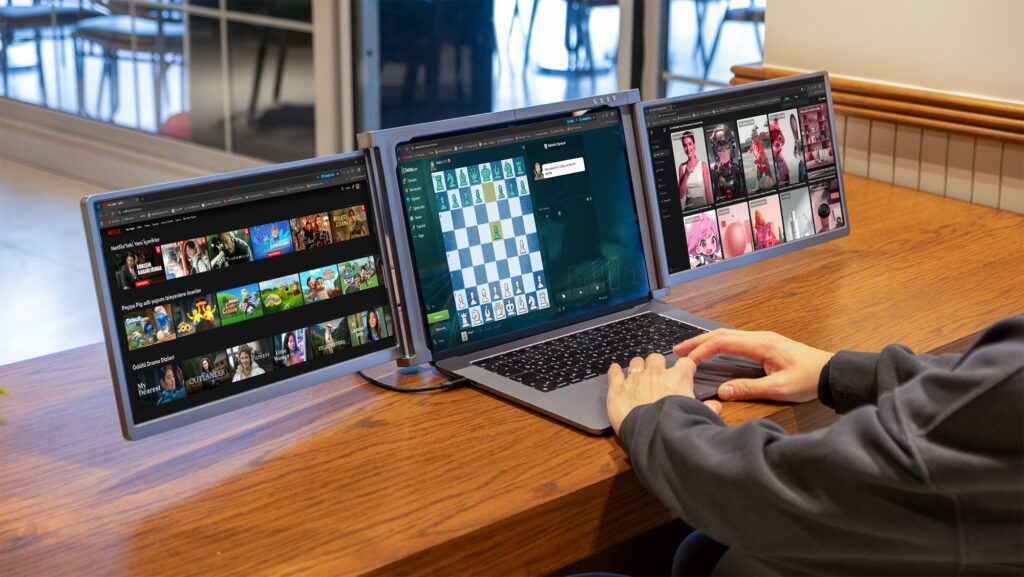
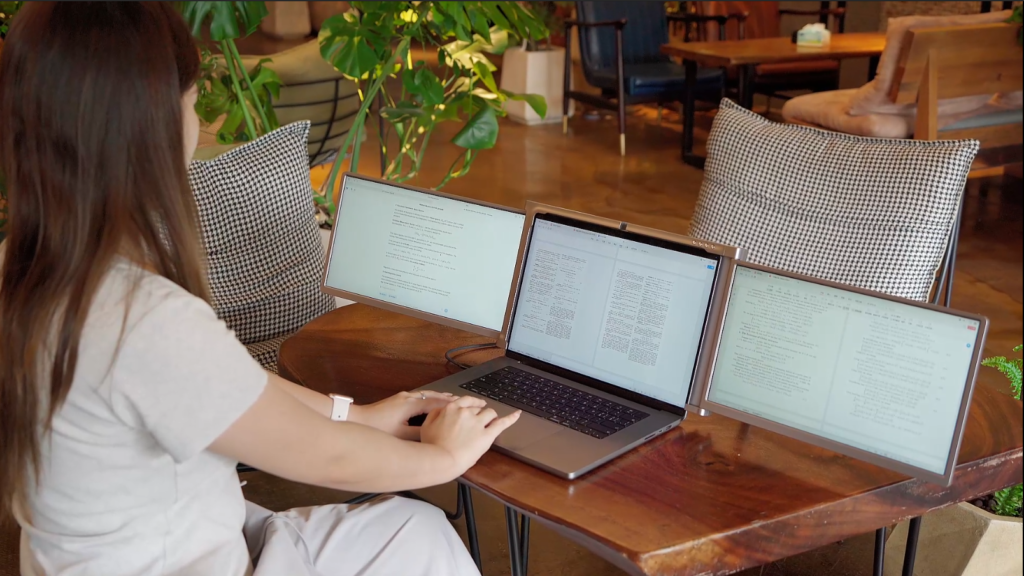
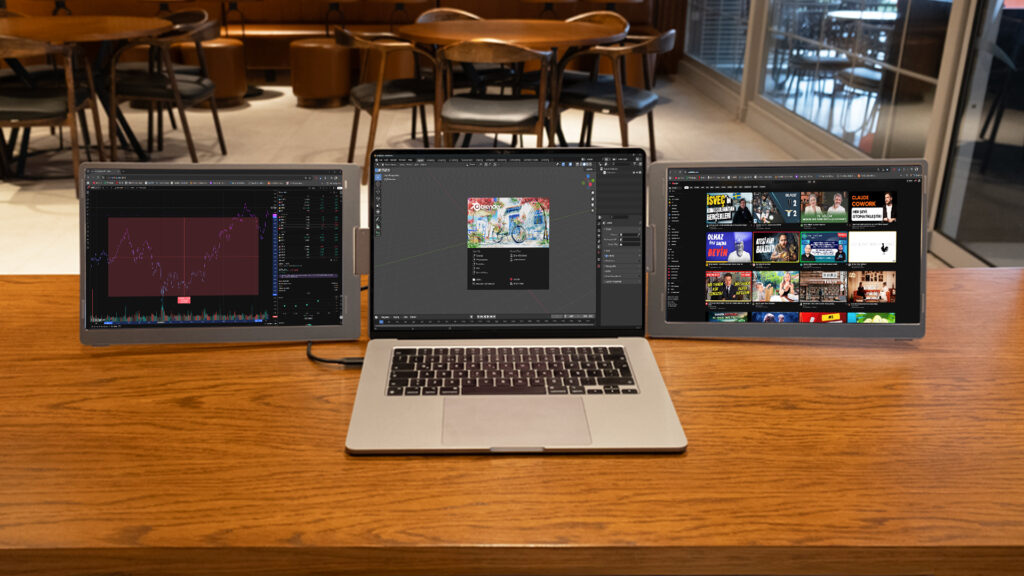
A dual portable monitor solves this problem by adding two extra screens to your laptop. With your laptop screen included, you can create a three-screen workspace without depending on a fixed office desk.
Trimonitör dual monitor models are designed for users who want a wider, more organized and more mobile working setup. You can compare the available options in the Dual Trimonitör category.
What Is a Dual Portable Monitor?
Using dual screens on a laptop helps you separate your tasks more clearly. Instead of constantly minimizing and reopening windows, you can place each workflow on a different screen.
A dual portable monitor can help you compare documents, tables and web pages side by side. It also makes it easier to follow online meetings while taking notes, keep dashboards open, work with coding tools, manage design previews or follow finance screens.
For users who only need one extra screen, Trimonitör Single 15.6″ may be enough. But if you regularly work with several windows at once, a dual monitor setup can feel much more efficient.
Who Is a Dual Portable Monitor Suitable For?
Remote and Hybrid Workers
If you work from home, the office, hotels, coworking spaces or while travelling, a dual portable monitor gives you a more complete workspace wherever you are. You can keep communication tools, documents and browser windows visible without depending on a fixed desk monitor.
Software Developers and Technical Teams
Developers often need to follow code, documentation, terminal windows, test environments and communication tools at the same time. A dual screen laptop setup makes this workflow easier to manage.
Finance, Trading and Data Users
Users who follow charts, reports, price movements, tables and news feeds can benefit from having more screen space. For even wider setups, they can also review the Triple Trimonitör category.
E-Commerce and Operations Teams
Order management, stock control, shipping panels, customer messages and marketplace dashboards can be easier to manage with multiple screens. A dual portable monitor helps keep daily operations more organized.
Students and Researchers
Students can keep a lecture, PDF, research source and note-taking app open at the same time. This can make studying and writing more comfortable, especially when working from a laptop.
Designers and Content Creators
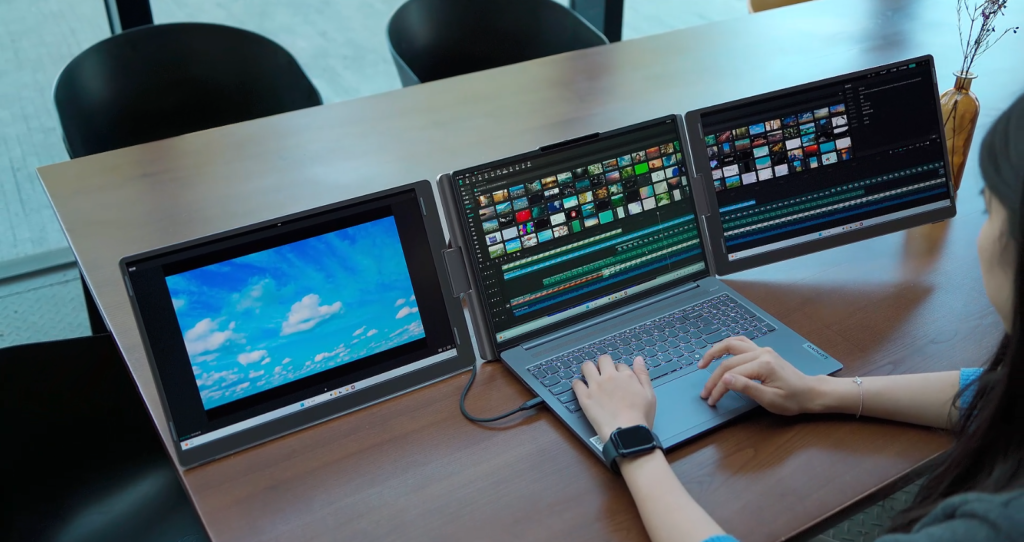
Designers, editors and content creators can use one screen for the main work area and the other screens for previews, references, folders, notes or communication tools.
Which Trimonitör Dual Model Should You Choose?
| Need | Recommended Model | Review |
|---|---|---|
| Compact dual-screen setup | Trimonitör Dual 14″ | View product |
| Fixed-panel dual setup | Trimonitör Dual 14″ Fixed | View product |
| Larger fixed-panel workspace | Trimonitör Dual 15.6″ Fixed | View product |
| Flexible 15.6″ dual-screen experience | Trimonitör Flex 15.6″ | View product |
You can also view all models together on the Dual Trimonitör category page.
What Should You Check Before Buying a Dual Portable Monitor?
1. Laptop Size
Before choosing a model, check your laptop screen size and body dimensions. Different Trimonitör models support different laptop sizes, so size compatibility is important for comfortable use.
If you are not sure which model fits your laptop, you can check the Measurement Guide.
2. Connection Type
Not every USB-C port supports video output. Before ordering, check whether your laptop’s USB-C port supports display output. Depending on your device, HDMI or additional connection options may also be needed.
For installation files and compatibility support, you can visit the Drivers page.
3. Working Style
If you mostly need a second screen for simple tasks, a single portable monitor may be enough. If you work with several tools, panels or documents at the same time, dual Trimonitör models are more suitable.
4. Portability
If you often carry your setup, weight, folding structure and carrying case compatibility become important. If you mostly use the monitor at a desk, screen size and fixed-panel comfort may be more important.
Dual Portable Monitor vs Single Portable Monitor
A single portable monitor adds one extra screen to your laptop. This is useful for basic multitasking, studying, meetings or simple office work.
A dual portable monitor adds two extra screens and creates a three-screen workspace together with your laptop. This is better for users who want to follow more information at the same time.
If you are unsure, you can compare the Single Trimonitör and Dual Trimonitör categories.
Build a More Productive Laptop Workspace with Trimonitör
A dual portable monitor is a practical solution for anyone who wants more screen space without giving up laptop mobility. Whether you work remotely, manage e-commerce operations, write code, follow financial data or create content, a dual-screen laptop setup can make your workflow more organized and comfortable.
Trimonitör dual monitor models help you turn your laptop into a flexible multi-screen workstation. To choose the right model, check your laptop size, connection options and daily working habits.
You can start by exploring all available models in the Dual Trimonitör category.
What is a dual portable monitor?
A dual portable monitor is a screen system that adds two extra displays to your laptop. Together with your laptop screen, it creates a three-screen workspace.
Who should use a dual portable monitor?
Dual portable monitors are suitable for remote workers, software developers, finance users, students, designers, content creators and e-commerce teams who need to work with multiple windows at the same time.
Can I use a dual portable monitor with every laptop?
Compatibility depends on laptop size, connection ports and video output support. Before buying, check your laptop dimensions and USB-C or HDMI capabilities.
Is a dual monitor setup better than a single monitor setup?
If you only need one additional screen, a single monitor can be enough. If you regularly use several windows, dashboards or documents at once, a dual monitor setup is usually more efficient.
Which Trimonitör dual model should I choose?
For a compact setup, you can review Trimonitör Dual 14″. For fixed-panel use, Trimonitör Dual 14″ Fixed or Trimonitör Dual 15.6″ Fixed may be more suitable. You can compare all options in the Dual Trimonitör category.
Do I need a driver?
Some models may require driver installation depending on your operating system and device. You can find the relevant files on the Trimonitör Drivers page.